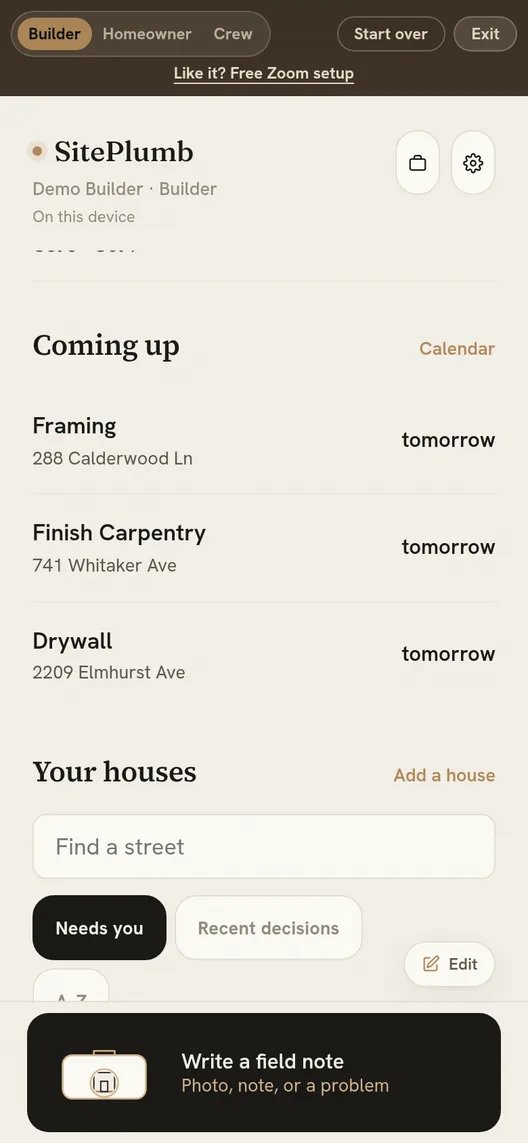
Field management for custom home builders
Because the photo you took this morning is already on their portal, filed to the right room. Zero emails written.
No account needed to look around. Nothing to install.
What actually goes wrong
Nobody loses a custom home over framing. They lose it over a tile nobody approved and a change order nobody wrote down.
“I have four hundred photos on my phone and no idea which house they belong to.”
“She picked the faucet in March. In August nobody could prove which one.”
“I know what I signed. I don’t know what I’ve actually paid out.”
One job, three doors
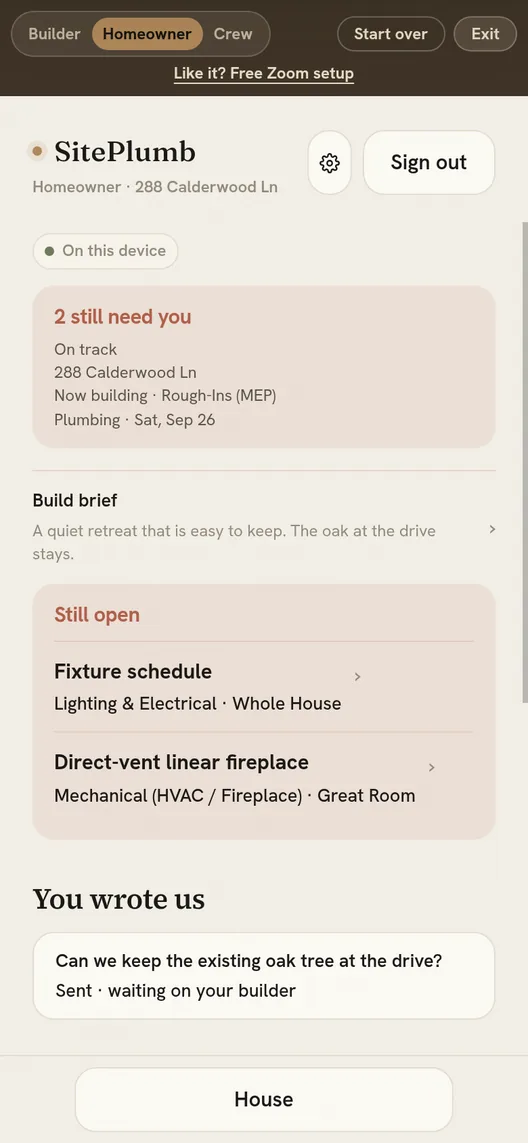
One site, three sign-ins. Not a permissions screen you configure — it’s the whole design. Subs never see money. Homeowners see only what you share.
The full job. Costs, contracts, subs, selections, the lot.
Progress, their selections, and the decisions you need from them.
Their trade, their dates, their spec. Nothing about anyone else.
A day on site
If it’s slower than the walk back to your truck, it won’t get used. So it isn’t.
7:40am
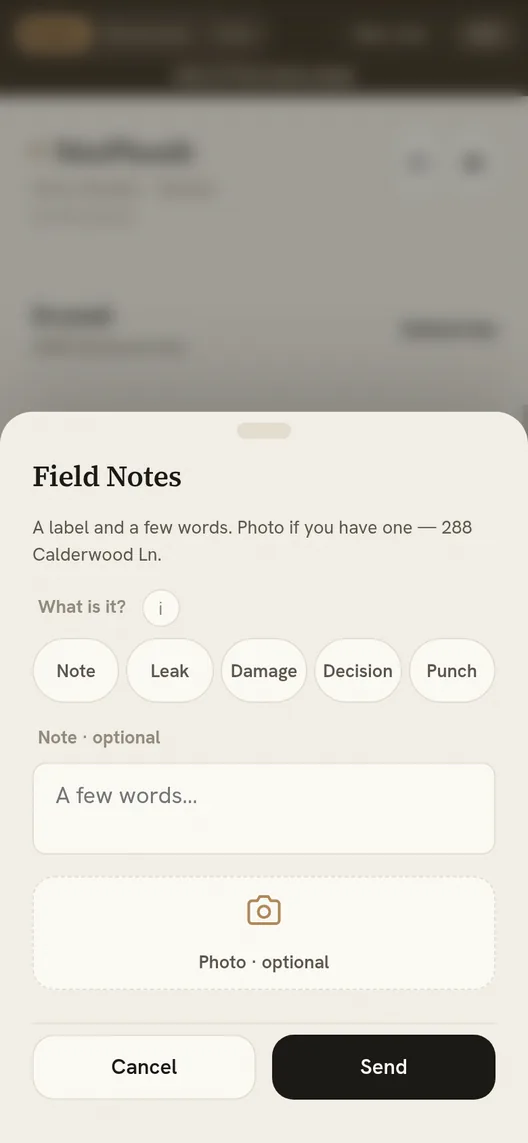
Snap it, tap the room, tap the trade. Filed before your phone is back in your pocket.
10:15am
One toggle gives a photo an owner and a due date. Tracked, not remembered.
4:00pm
Shared photos and the tile decision you need by Friday are already on their portal. The “any update?” text never gets sent.
6:30pm, at the kitchen table
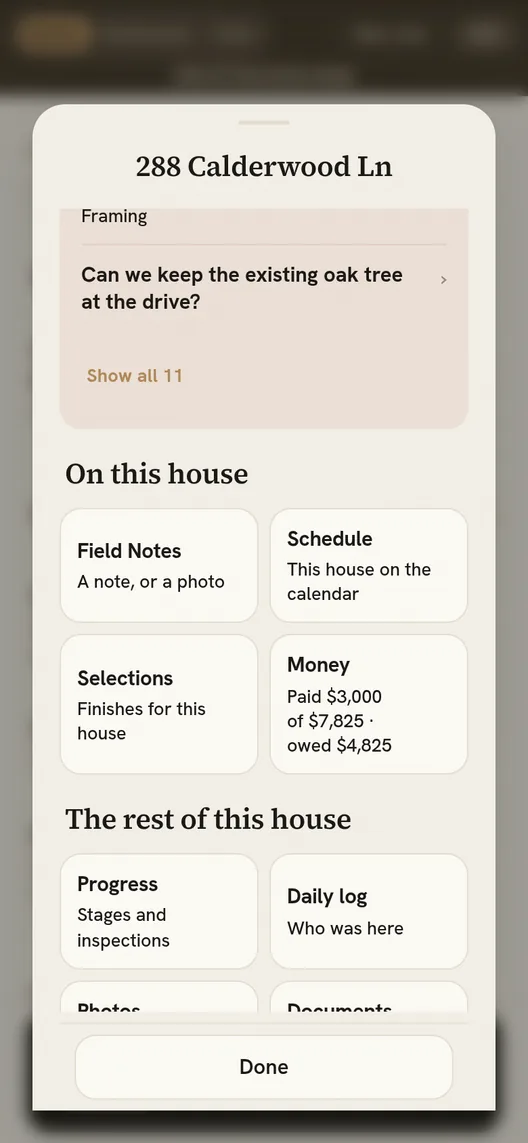
Signed, paid, and the gap between them — shown plainly. Paid costs export straight to QuickBooks.
Where custom builds actually go wrong
The two things a spec builder can shrug off and a custom builder cannot. They get the most careful part of the app.
Every finish with its allowance, real price, and upcharge. One-tap approval, dated. Install specs ride along to the sub who needs them.
Answered early, installs stay on schedule. That’s the whole reason it exists.
Budget revisions keep their reason. Contracts you log payments against. Overspend shows amber instead of hiding.
Editing money never rewrites it — the rule the whole money layer is built on.
Built for a basement with no bars
Everything saves to the device first and syncs when there’s signal. Log twenty items in a poured basement — it catches up on its own.
During development a live sync incident wiped a site’s records. Every device still held its own copy, and the whole job republished itself on reconnect. Nothing was lost.
That wasn’t a feature demo. It was a bad afternoon that the design happened to survive.
Why it’s different
I watched a very good builder run my build — and realized how much one person is expected to hold in his head.
A custom build is a logistics problem wearing a hard hat, coordinated largely from memory, a phone, and a truck cab. The craft was never the hard part. The information is.
SitePlumb was written during that build. The homeowner experience isn’t a module bolted on — it’s where this started, and the builder side grew around what a builder actually juggles.
That’s also why the daily log takes four taps. Anything slower doesn’t survive a real jobsite.
Read this before you get excited
You’ll find this out in week one anyway. Better you hear it from me than discover it after migrating a job.
There’s no bid or proposal side. If you buy software mainly to win work, this isn’t it yet. Budgets start once you’ve got the job.
No timesheets, no clock-in, no payroll hours. Plenty of tools do this well and they’re cheap.
The sub view is genuinely narrow and useful. Some subs will still ignore it and answer their phone instead. That’s the trade, not the software.
Support is me, and I answer. That means fast fixes and honest answers, and it also means no 24-hour call centre. Judge accordingly.
Design partners
Free while we work together. I want the truth about what’s missing and permission to fix it fast. Running two to twenty custom homes with an opinion? That’s the whole requirement.